Guides
Part of File Sharing Software: What to Test Before You Buy
File sharing alternatives beyond sync: servers, transfers and sending less
File sharing alternatives compared by job: Nextcloud and own servers, Aspera and managed transfer, Git and versioned repositories, and sharing less.
Sync and share is one answer to a question, not the question itself. How does a file get from the person who has it to the person who needs it, so the right people can read it and nobody else?
Several other answers exist, and they have names. Nextcloud, ownCloud and a plain SMB share on hardware you own. IBM Aspera, Signiant and MASV for scheduled delivery. Git, Subversion and Perforce for history. IMAP attachments. A courier with a hard drive.
This page sets out what each one is good at, so a product choice is made against named alternatives rather than against nothing.
What to take away
- Nextcloud and ownCloud are the two self-hosted products most often shortlisted when material has to stay on your equipment. Both are open source, and you pay in administration rather than licence fees.
- IBM Aspera and Signiant price by negotiated contract, MASV by the gigabyte; all three exist because a browser upload dies on a 200 GB file.
- Git is free and wrong for video. Perforce Helix Core is free for up to five users and 20 workspaces, then charges per seat, and it is built for large binaries.
- The cheapest alternative is sharing lessone location, one owner, one rule about what counts as final.
The six approaches, by name
Named options
- Sync and share service
- Dropbox Business, Google Drive, Microsoft SharePoint, Box
- Self-hosted server
- Nextcloud, ownCloud, a Windows SMB share, TrueNAS
- Managed transfer
- IBM Aspera, Signiant Media Shuttle, MASV, Fortra's FileCatalyst
- Versioned repository
- Git, Apache Subversion, Perforce Helix Core
- Attachment on a message
- Gmail, Outlook, Apple Mail
- Physical media
- LTO-9 tape, AWS Snowball Edge, a courier, a USB drive
Pricing model
- Sync and share service
- Per seat, per month, typically $6 to $20 per user
- Self-hosted server
- Open source plus your hardware and admin time
- Managed transfer
- Negotiated contract, or per gigabyte, typically a few cents to about a quarter
- Versioned repository
- Free, then per seat after a free five-user tier
- Attachment on a message
- Bundled with the mailbox
- Physical media
- Cost of the media and the shipment
Fits
- Sync and share service
- Ongoing work on a living set of documents
- Self-hosted server
- Material that must not leave premises you control
- Managed transfer
- Scheduled, audited handoffs between organizations
- Versioned repository
- Text and code, where history matters more than the file
- Attachment on a message
- One small file to one person, right now
- Physical media
- Very large volumes, or a site with no usable connection
Fails at
- Sync and share service
- One-time delivery to someone who will never return
- Self-hosted server
- Remote access, which becomes a network project
- Managed transfer
- Casual internal work, which it makes tedious
- Versioned repository
- Large binary files and people who will not learn the tooling
- Attachment on a message
- Anything that will be edited, or that anyone else will need later
- Physical media
- Everything else, including tracking where the media went
Most organizations run two of these on purpose and three more by accident. The accidental ones are where material goes missing.
When a self-hosted server is still the right answer
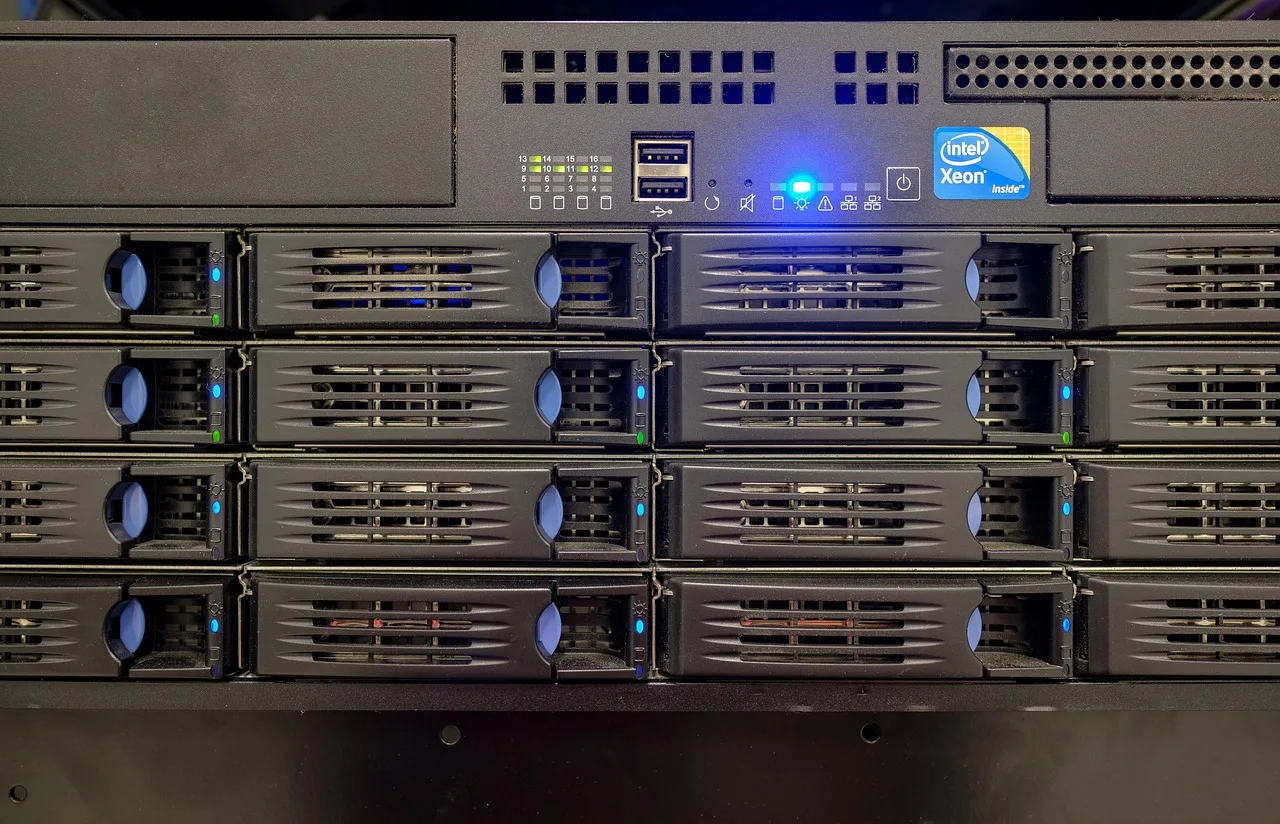
Nextcloud and ownCloud are the first two products to look at. Both are open source, both give you a browser interface, mobile apps and file versioning, and both run on a server in your own rack or a virtual machine you rent. You pay for hardware, backup and somebody's attention.
Three situations make that the honest choice rather than a nostalgic one. A legal or contractual restriction on data location, written in terms you cannot negotiate.
A workflow that reads and writes very large files continuously, where a sync client is a poor fit.
A site with an unreliable connection, where a local server keeps working when the line does not.
The costs are real: you own backup, recovery, patching and hardware refresh. The contingency planning guidance from NIST is written for federal systems. Its central discipline is to write down what happens when the thing is unavailable, then test that plan. That applies to a cupboard in a small office just as well.
When transfer is not collaboration
A large amount of what gets called file sharing is really delivery. Somebody sends a finished thing to someone outside the organization, once, and nobody is going to edit it together.
IBM Aspera moves data over UDP rather than TCP, using its own FASP protocol, and is the long-standing choice in media and genomics. It sells on negotiated contracts rather than a published price. Signiant Media Shuttle covers the same market with a friendlier interface and an annual subscription.
MASV bills by the gigabyte with no contract, which suits a company shipping a few large files a month. Its published rates fall as monthly volume rises, typically from a few cents to about a quarter per gigabyte.
FileCatalyst, now sold by Fortra, is the fourth name that comes up in broadcast procurement.
For that job, a general sync product is awkward. It creates an account relationship, a permission that stays until revoked, and a link that outlives the transaction. A managed transfer arrangement uses a receipt, an expiry and a record of who collected what.
The test is simple. If the recipient will never return to the file, you are transferring, not sharing, and the tool should reflect that.
The alternative nobody sells you
The largest single improvement available to most teams costs nothing. Pick one location where the current version lives, and one person who owns it.
Duplicates multiply because nobody is sure whether the copy in front of them is current, so they make one they trust. That behavior is rational, and no amount of storage stops it. A stated owner, one location and a way of marking a document final will.
A lot of file sharing complaints are decision complaints in disguise. If two people can both change a document and neither is accountable for the result, the tool will not fix that, and switching tools moves the confusion rather than ending it. The collaboration category guide covers the same pattern from the conversation side.
Versioned repositories: Git, Subversion and Perforce Helix Core
Git is free, distributed, and the default for text. It stores every version of every file, so you can prove what changed and who changed it.
It also stores a full copy of each version. A 4 GB video committed ten times is 40 GB of repository, and a clone is not something a designer will do.
Perforce Helix Core exists for that gap. It handles large binaries, locks files so two people cannot edit the same one, and is free for up to five users and 20 workspaces, then licensed per seat.
Apache Subversion sits between the two and is still found in game studios and engineering firms with long histories. It is free and open source.
Pick a repository when the history of the changes is worth more than the current state of the file. Pick something else when the file is the point.
Mail is a file transfer system, and a poor one
Sending a document as an attachment is still the most common way files move between organizations. It is worth knowing precisely why it is weak.
Attachments have size limits set by the receiving side, not yours. Gmail caps sending at 25 MB. Outlook.com caps a single message at 20 MB. Each copy is independent from the moment it lands, so corrections are impossible.
There is no record of onward forwarding. The message itself may be retained under rules unrelated to the document. That is one reason records guidance treats electronic messages as records in their own right rather than envelopes.
None of that makes attachments wrong for a small one-off. It makes them wrong for anything that will be edited.
Attachments are the path of least resistance, which is why external sharing rules have to be usable as well as correct. The hosting side of mail sets out where those size and retention limits come from.
Choosing between them without a committee
Answer four questions and the field narrows on its own.
Four questions narrow the field
Will the recipient come back to this material?
sync and share
managed transfer
- Will the recipient come back to this material, or is it a delivery?
- Does the material have to stay on equipment you control?
- Does anyone need to prove later who had access, and when?
- Is the history of the changes more valuable than the current state?
A yes to the first points at sync and share. A yes to the second points at Nextcloud, ownCloud or an SMB share.
A yes to the third rules out anything without an access record, which is most of the informal options. A yes to the fourth points at Git or Perforce Helix Core, whatever the file type.
If the answers point in two directions, that is usually a sign you are looking at two different bodies of work. The right move is two arrangements, with a boundary you can state in a sentence. Not one arrangement that half fits both.
Fitting the pieces together
Whatever you choose, the connections around it matter as much as storage. Automated exports and backups usually come through connected applications. Setup decisions you make in the first week shape how easily any of this can change later.
If you have not decided on a sync product, start with the category overview.
Common questions
Is it acceptable to use a consumer account for work files?
It is common and it is a problem. The account belongs to a person rather than the organization, so the content leaves when they do, and administrative recovery is not available to you. It is also the arrangement that most often surprises people during an audit.
Can we just use the storage that comes with our office suite?
Often yes, and it is usually the cheapest correct answer for internal document work. Check external sharing controls and the access record before deciding, since those are the parts most likely to be thin on a bundled tier.
How many of these should we run at once?
Two, ideally. One for internal collaboration, one for external delivery, with a written boundary. Running four means nobody knows where to look, and the fourth one is where the material you cannot find has ended up.
What about very large files?
Ask about the limit before you test, then test with a file that exceeds it. The failure mode matters more than the number: a clear refusal is workable, a silent truncation or an upload that never finishes is not.