Costs
Part of 9 pointers on software integrations that hold up
Software integrations migration: signal versus noise
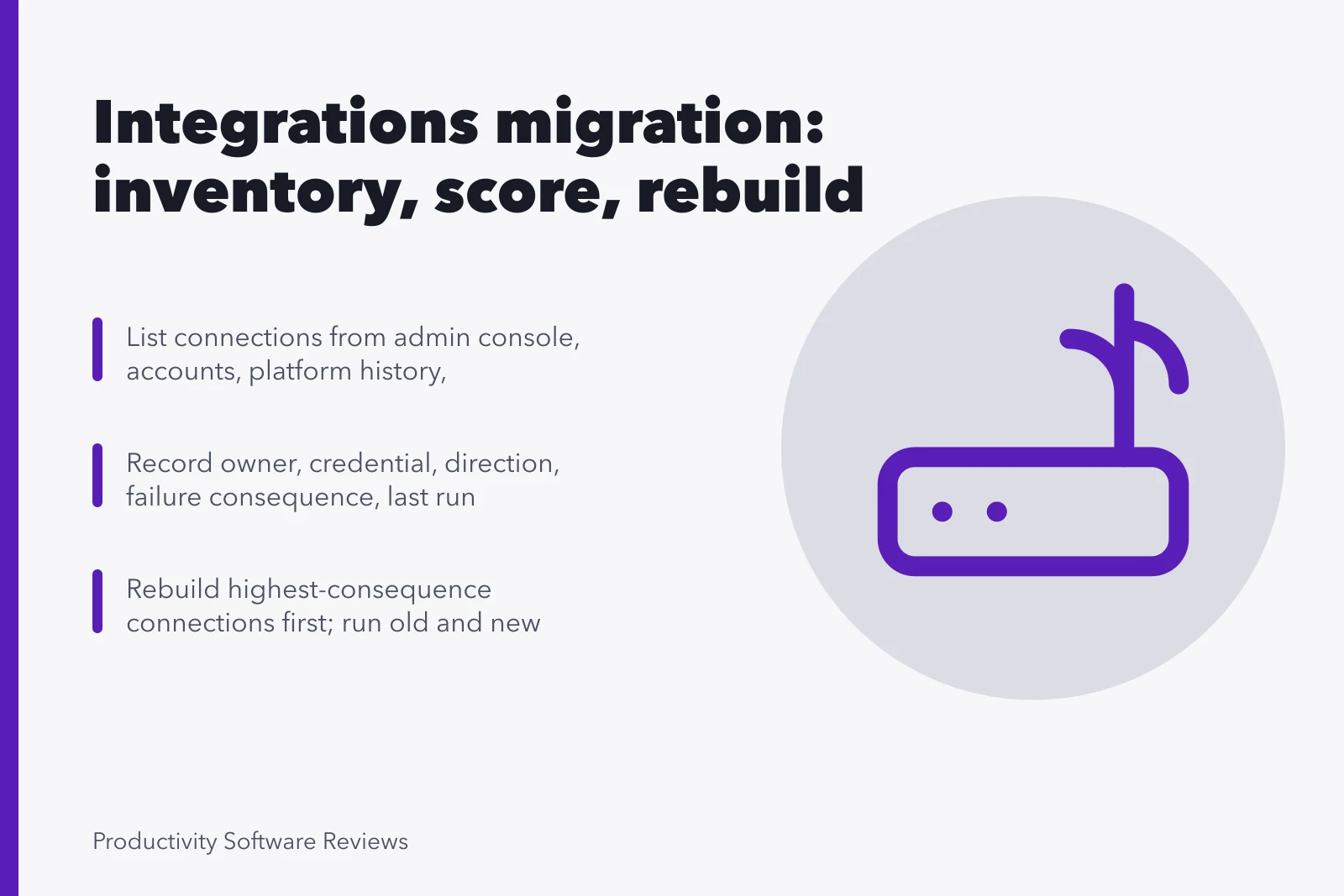
Software integrations migration is the line missing from most estimates. Inventory every connection, score it, assume rebuild, and fix credential ownership.
Replace a product and the data usually moves. What does not move is everything wired into it: the nightly export, the notification into a channel, the form that files a request, the report somebody built in a spreadsheet that reads from an address nobody documented.
This is the line most often missing from a migration estimate, and it is regularly larger than the data transfer itself. It is also the one part that cannot be recovered later, because a connection that stops working is discovered by an outage rather than by a plan.
What to take away
- Build the connection inventory before the migration is scheduled, not during it. The list is always longer than the person who built them remembers.
- Every connection needs three factswhat it does in one sentence, whose credential it uses, and what breaks if it stops.
- Rebuild is the realistic assumption. Connections rarely port, even between products in the same category.
- Sequence connections after the data and before the announcement, because a working product with broken plumbing looks like a failed migration to everyone using it.
Finding what is actually connected
Nobody has a complete list, so build one from several directions at once. Each of these finds things the others miss.
Six discovery sources
- Product's own connected apps list
- Account listnon-human identities
- Connection platform execution history
- Outbound notificationschannels, mailboxes
- Ask every team what would break
- Finance recordunrecognized recurring charges
Step five finds the most and is skipped the most, usually because it feels like it will produce noise. It produces the inventory.
Score each connection before deciding anything
Score each connection
| Field to record | Why |
|---|---|
| What it does, in one sentence | If nobody can write the sentence, the connection is a candidate for deletion |
| Owner, by name | Unowned connections do not get rebuilt, they get rediscovered |
| Credential it runs as | A personal credential is a fault waiting for a leaving date |
| Direction | Reading is cheap to rebuild, writing is not |
| Consequence of failure | Separates the report nobody reads from the thing that files invoices |
| Last successful run | Connections that stopped months ago are common and never missed |
Two useful outcomes fall out of this table. The number you must rebuild, which goes into the estimate, and the number you can simply switch off, which is usually between a fifth and a third and is the only genuinely free saving in the whole project.
Assume rebuild, not transfer
Connections are built against a specific product's interface, with that product's field names and its ideas about what a record is. Moving to another product means writing the mapping again, even when both ends are the same category and both support the same protocols.
Estimate accordingly. For each connection you keep, count the build, the testing, and the period running old and new side by side. That side-by-side run confirms results match. Estimates often omit it, yet it catches mapping errors.
A scheduled export is often the cheapest shape when you cannot rebuild a full connector in time.
Where the connection reaches an old internal system, expect the hardest work to be there, not in the new product. Legacy interfaces were never meant to be replaced.
Read the accumulated advice before promising a date. moving away from legacy systems is candid about how the effort concentrates where nobody wants to look.
Sequence
- Inventory and score, before any date is announced.
- Decide the keep list and get the delete list agreed by name, in writing.
- Rebuild the highest consequence connections first, against the new product, in a test configuration.
- Move the data.
- Run both sets of connections in parallel where you can, and compare outputs for at least one full cycle.
- Cut over, connections and product together.
- Watch for a fortnight. The connections that fail are the ones that only run monthly, and they fail four weeks after everyone declared success.
Step seven is the reason to keep the old product reachable for a month rather than a week. The migration overview covers the same discipline for the data itself, and the two schedules need to be the same schedule.
Migration sequence
- Inventory and score before announcing dates
- Agree keep and delete lists in writing
- Rebuild highest consequence connections in test
- Move the data
- Run both sets in parallel one cycle
- Cut over connections and product together
- Watch for a fortnight
Credentials are the recurring failure
The single most common post migration incident in this area is a connection that stops because it was running as somebody who has left, or because a token expired and nobody owned the renewal.
Fix credentials during rebuild
- Give each connection an organization-owned identity
- Scope it to only what it needs
- Add a named human owner
- Put a renewal date on a calendar
- File the register with account administration
Fix each connection during the rebuild, not after. Give it an identity owned by the organization, scoped to what it needs. Add a named human owner and a renewal date on a calendar.
That register belongs with your account administration records. There it will be seen during joiner and leaver work, not forgotten in a project folder.
Your suppliers are part of this
Every connection is a dependency on somebody else's interface. A migration is a good moment to look at those relationships rather than only at the one you are leaving. What notice do you get before a breaking change, who tells you, and what happens to the connection if that supplier is acquired.
The structured way to ask those questions is set out in the published supply chain security guidance, and asking them during a rebuild costs nothing extra, because you are already talking to everyone.
Where this fits
The category overview explains how this estate accumulates. Apply the features that make a connection survivable to every rebuild. A migration is your one chance to add observability to connections that never had it.
If the inventory shows many connections doing very little, the simpler options will retire several permanently.
Common questions
How long does the connection work usually take?
Longer than the data move, in most projects, and it is the part that runs late. Estimate per connection from the inventory rather than as a percentage of the whole, because the distribution is uneven: two connections will take most of the time.
Can we move the connections first and the data later?
Rarely, because the connections need somewhere to point. What you can do first is retire the ones on the delete list, which reduces the work and is safe at any time.
What if a connection cannot be rebuilt at all?
Then you have found a real constraint on the migration. Raise it before the decision, not after.
The options are usually a manual process, a change to how the work is done, or keeping one old system alive for a specific purpose. All three are fine. Finding you need one in week nine is not.
Do we have to tell users about connection changes?
Tell them about anything they will notice, in the plainest terms available: this alert will now arrive here, this form now files into that. People forgive a change they were warned about and remember one they were not.